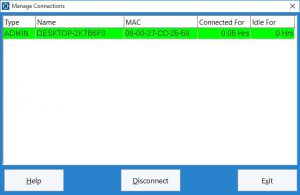
Time Clock MTS Screenshots
Click on the headings below to view a gallery of screenshots from Time Clock MTS.
Employee Time Clock Screenshots
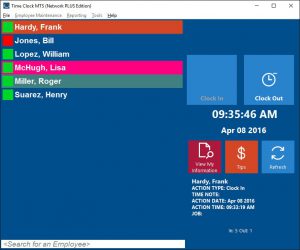 The employee time clock interface is used by your employees to punch in and out. Click to view the Time Clock Interface Screenshots.
Email Alert Screenshots
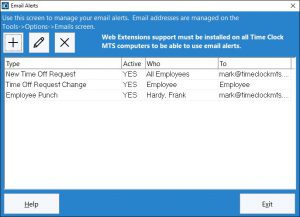 The software includes a system to automatically send out email alerts when events occur, such as employees punching in or out. Click to view the Email Alert Screenshots.
Employee Tip Tracking Screenshots
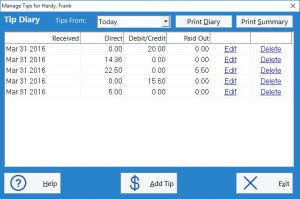 Time Clock MTS includes an employee tip tracking and reporting system allowing your employees to track their tips from within the software. Click to view the Employee Tip Tracking Screenshots.
Employee Time Off Requests
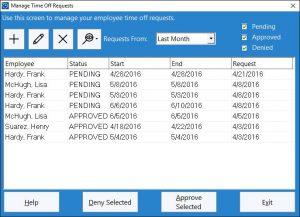 The time off request system allows employees to request time off and then administrators can approve or deny these requests. Click to view the Employee Time Off Requests Screenshots.
Employee Messages
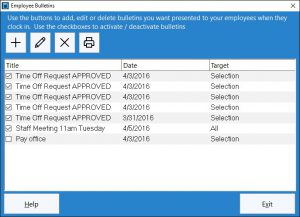 Employee messages are used by the time clock administrator to send messages to employees or groups of employees within Time Clock MTS. Click to view the Employee Message Screenshots.
Job Tracking
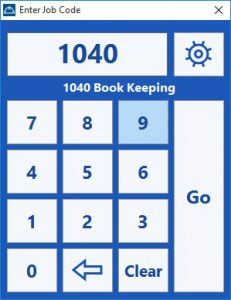 Time Clock MTS includes a job time tracking system to allow employees to clock in and out of jobs during the work day. Administrators can report on time spent working on jobs. Click to view the Job Tracking Screenshots.
Managing Employee Screenshots
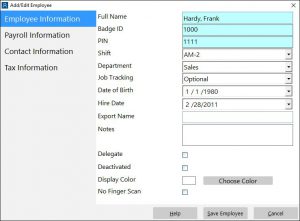 Time Clock MTS employees can be configured as hourly or salaried employees and their time card information tracked closely. Click to view the Time Clock Employee Screenshots.
Report Screenshots
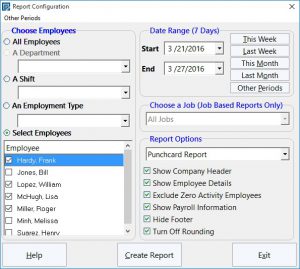 Time Clock MTS has a powerful and comprehensive reporting system that will always place your employee time clock data right at your fingertips. Click to view the Time Clock Reporting Screenshots.
Managing Employee Times
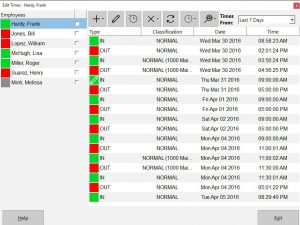 Time Clock MTS administrators are provided with a comprehensive system to manage and edit their employee time clock data as well as being able to create new time punches. Click to view the Managing Employee Times Screenshots.
Program Options and Settings Screenshots
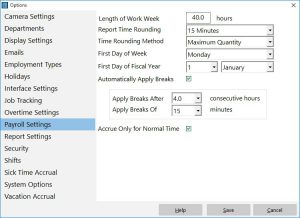 Time Clock MTS has many different settings to configure the software to suit local payroll and overtime calculation requirements. Click to view the Time Clock Options and Settings Screenshots.