
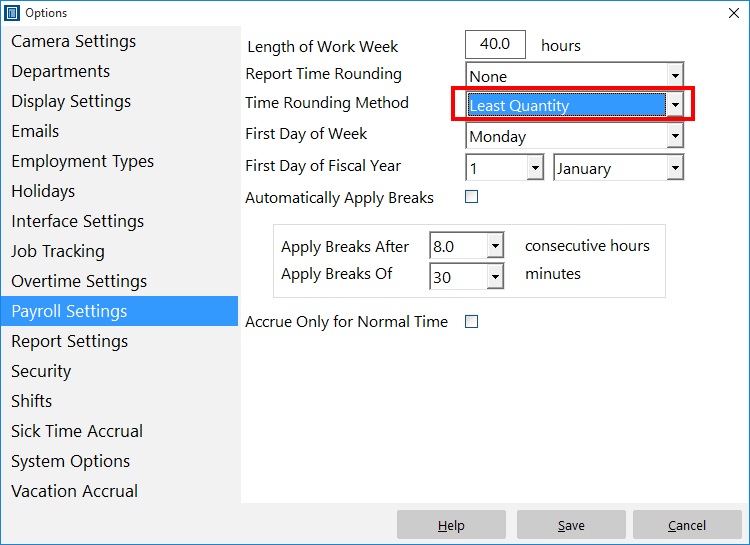
The Payroll Settings Screen
There’s a time rounding method available on the Payroll Settings screen labelled “Least Quantity”. Some Time Clock MTS users have been asking some questions about what it does. It’s actually pretty simple. If you’ve got report time rounding turned on and the least quantity rounding method is selected then it will do the following at report generation time:
1) All clock ins will be rounded UP to the nearest unit set in the Report Time Rounding dropdown box.
2) All clock outs will be rounded DOWN to the nearest unit set in the Report Time Rounding dropdown box.
The practical upshot of this is that the elapsed time for clock in/out pair is minimized. There’s a three things to be aware of if you’re wanting to use this setting. Firstly, it wont work unless you have a time unit set in the Report Time Rounding dropdown box. Secondly, like all report time rounding in Time Clock MTS the rounding is applied at report time only, the actual recorded times for the clock in/out are stored accurate to the nearest second. Finally, and a big caveat on this one, is that you should be careful that your local payroll laws allow for this sort of report rounding, there are many that do not.
