
A new release of Time Clock MTS today that adds a new report and a new report printing setting.
- The new report setting can be found on the Tools->Options->Report Settings screen. Called New Employee Page Break when set reports will print out with a single page per employee. When not set reports will be printed continuously with no page breaks.
- The new report is called the Departmental Wages Report and is shown above. This report shows a simple break down of hours worked by employee, employees are sorted into departments and a departmental subtotal of hours worked is shown for each department. As usual you can access this report from the Tools->Payroll Reports menu.
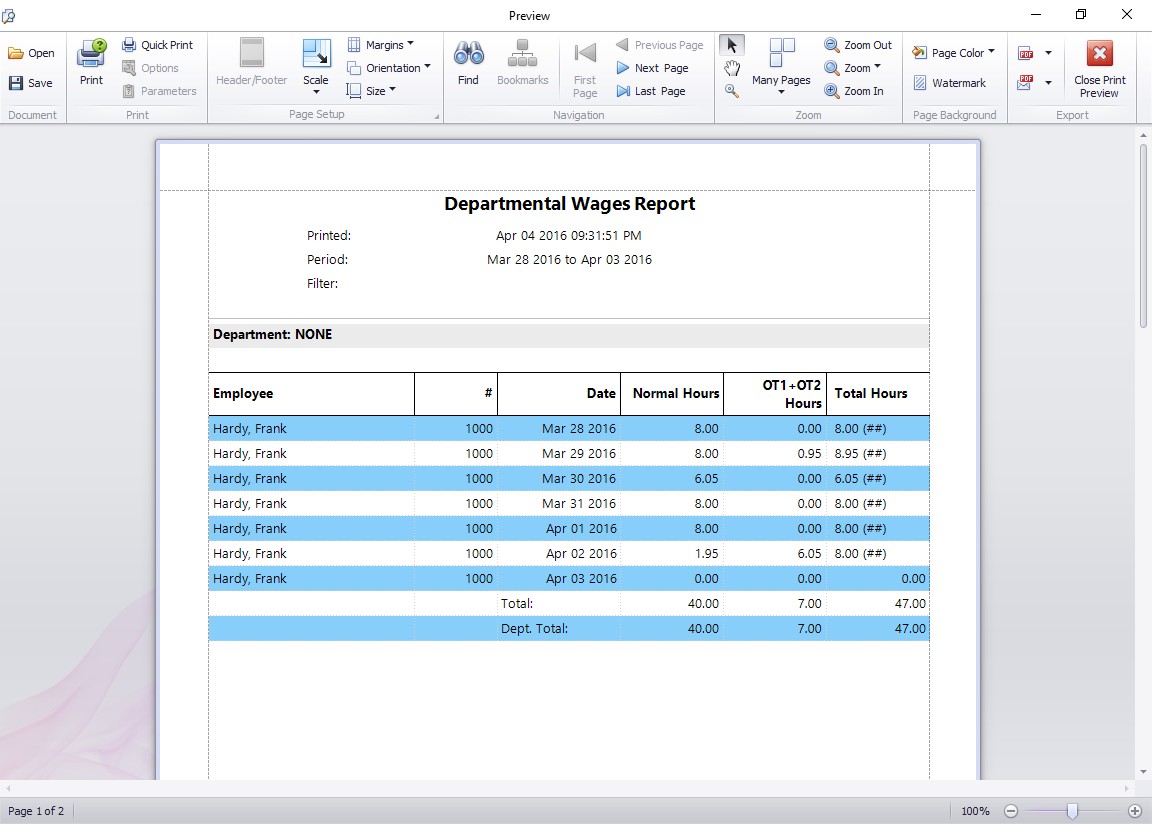
This report breaks down hours worked by employee and department.
