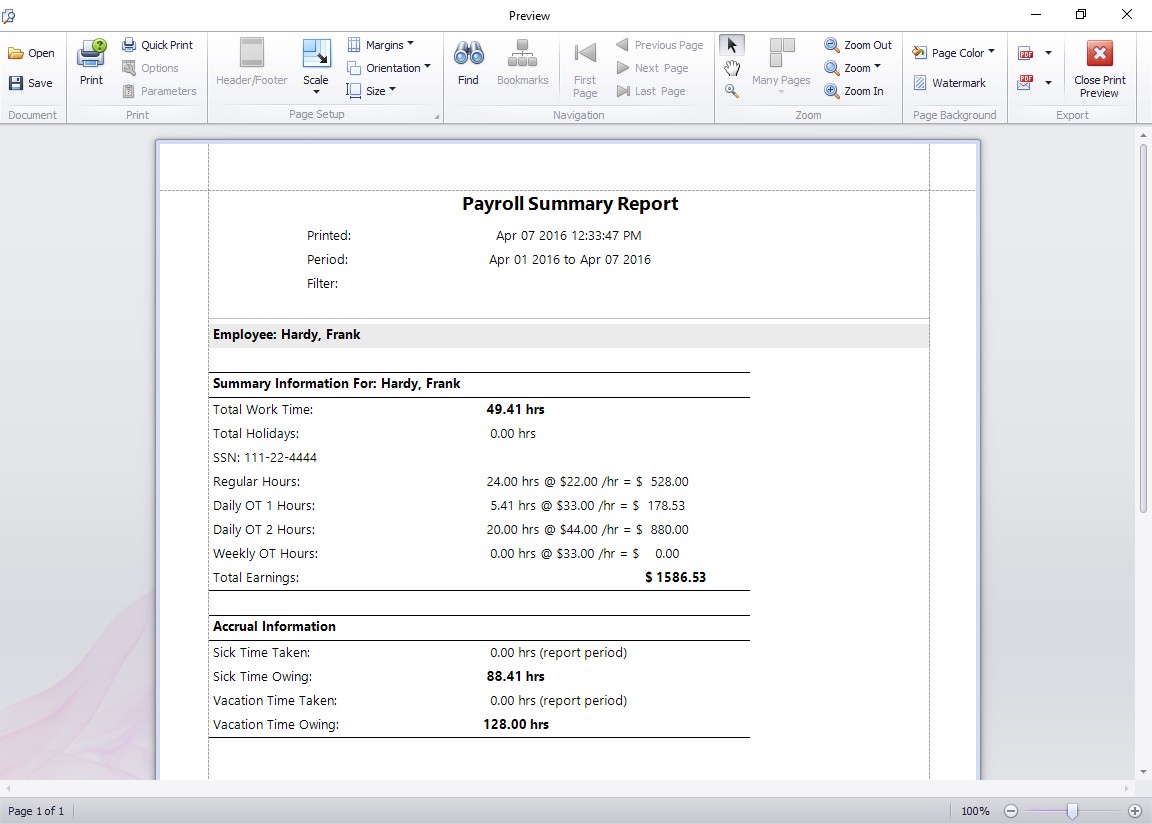
The payroll summary report shows the payroll summary information for each employee you choose to report on. The payroll summary information is defined on the Report Settings Page.
Output Options
Exporting and Emailing Reports
This report can be exported and saved or emailed directly in a variety of different formats by clicking Export at the top right of the reporting screen. Formats available include Excel (xls,xlsx), PDF, RTF, HTML, text, comma separated (CSV), or as an image (JPG, BMP, TIFF and more). Click the Print button to print the report.